
 RakiandCopilot
00fe1b3dad
* chore(devbox): one-shot Taskfile to recreate WSL and open the devcontainer

- contrib/bootstrap-dev-env.yaml: default recreates WSL and clones the current branch, then runs up; up bootstraps the WSL host, starts the devcontainer with the labels VS Code uses, and opens VS Code in it.
- contrib/bootstrap-dev-env.ps1: no prompts; picks the drive with the most free space, creates the default Linux user, and clones the current branch into /workspaces/dbt-fabricspark with Git Credential Manager.
- contrib/bootstrap-dev-env.sh: fail fast; az login completes through the signed-in Windows browser with single sign-on; ACR login only uses ACR_PASSWORD, since the image pulls anonymously.
- CONTRIBUTING.md: replace the manual WSL steps with the Task command.

Co-authored-by: Copilot <223556219+Copilot@users.noreply.github.com>
Copilot-Session: cc682684-642c-4667-a3e0-6bad55f87574

* fix(devbox): clone from the WSL home directory

Run from a git worktree, WSL git found the Windows worktree's .git file in the current directory and failed before cloning.

Co-authored-by: Copilot <223556219+Copilot@users.noreply.github.com>
Copilot-Session: cc682684-642c-4667-a3e0-6bad55f87574

* style(devbox): drop a stray space

Co-authored-by: Copilot <223556219+Copilot@users.noreply.github.com>
Copilot-Session: cc682684-642c-4667-a3e0-6bad55f87574

---------

Co-authored-by: Copilot <223556219+Copilot@users.noreply.github.com>
Copilot-Session: cc682684-642c-4667-a3e0-6bad55f87574
3.5 KiB
Contributing
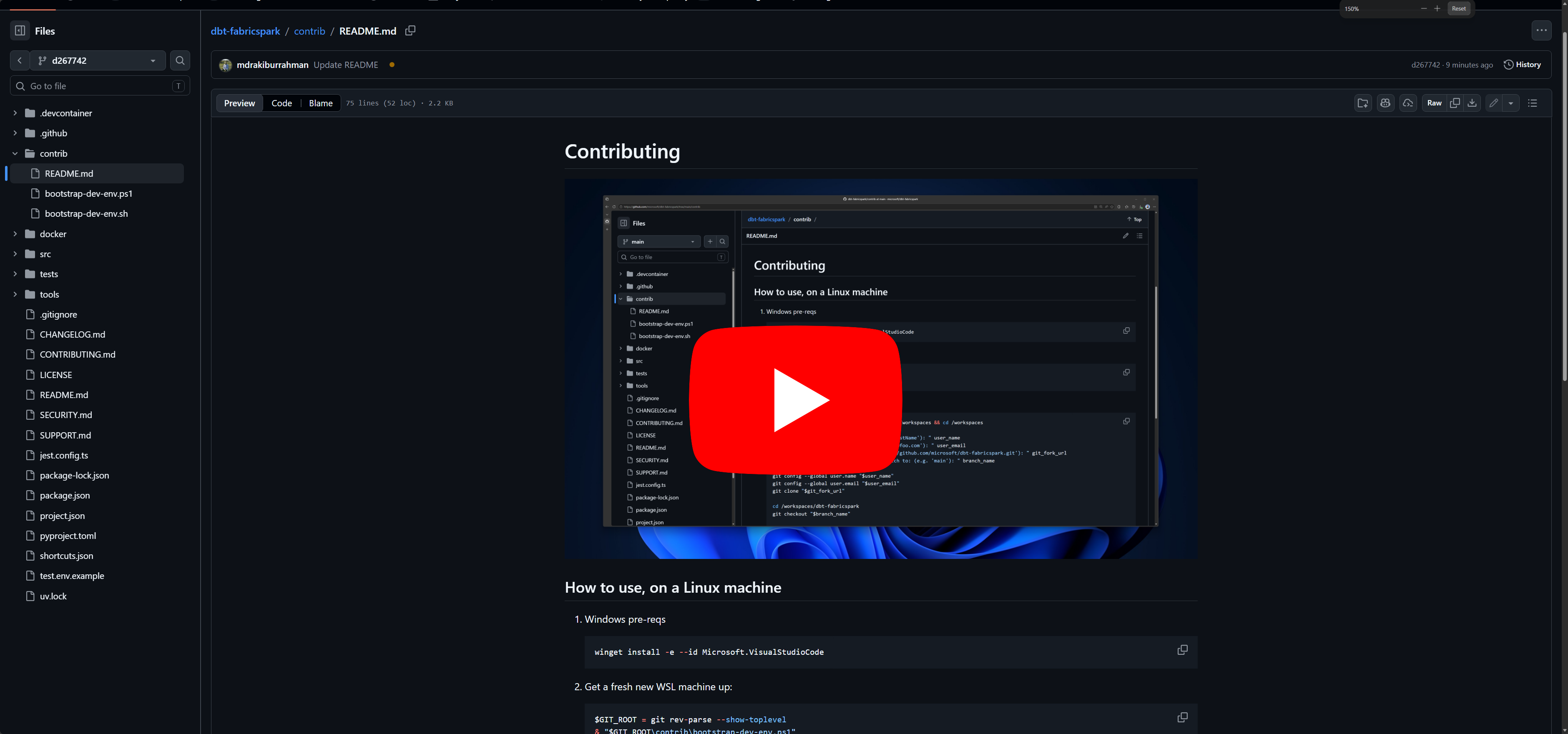
If you're a windows user, we only use windows to get into WSL - everything is Linux from there.
Spark and Livy are notoriously hard to run on Windows. Therefore, the development environment we support is Linux, using VSCode Devcontainer. This repo's CI runs the exact same devcontainer.
Therefore, if the tests pass locally, they are highly likely to pass in CI as well.
How to use, on a Linux machine
-
Windows pre-reqs
winget install -e --id Microsoft.VisualStudioCode -
Clone your fork on Windows, then check out and push the branch you want to work on:
git clone https://github.com/<your-github-user>/dbt-fabricspark.git -
From an elevated PowerShell 7 prompt in the checkout, install Task and run
contrib/bootstrap-dev-env.yaml:⚠️ This deletes every WSL distribution on the machine before recreating
Ubuntu-24.04. Push any work inside WSL first.winget install Task.Task $env:PATH = [Environment]::GetEnvironmentVariable('PATH', 'Machine') + ';' + [Environment]::GetEnvironmentVariable('PATH', 'User') task --taskfile contrib/bootstrap-dev-env.yamlWithout any prompts, this recreates WSL on the drive with the most free space and clones your current branch into
/workspaces/dbt-fabricspark. It then runscontrib/bootstrap-dev-env.sh, which signs in the Azure CLI through your signed-in browser with single sign-on (no clicks), then starts the devcontainer and opens it in VS Code. After a restart, runtask --taskfile contrib/bootstrap-dev-env.yaml upinstead; it keeps WSL and reopens the devcontainer. -
Install recommended developer tooling (optional):
curl -fsSL https://gh.io/copilot-install | bash $HOME/.local/bin/copilot --yolo -
Login to github and ensure to authorize
Microsoftif you're an employee (optional):gh auth login -
Create a
test.envfile with the two Fabric workspace IDs and display names — you needContributoron both. The functional test suite uses two workspaces:- Workspace 1 (
WORKSPACE_ID_1/WORKSPACE_NAME_1) — the primary workspace where dbt models are materialized during tests. - Workspace 2 (
WORKSPACE_ID_2/WORKSPACE_NAME_2) — the secondary workspace that hosts a seeded fixture lakehouse, used to verify cross-workspace 4-part naming end-to-end.
GIT_ROOT=$(git rev-parse --show-toplevel) read -p "Enter Fabric workspace 1 ID: " ws1_id read -p "Enter Fabric workspace 1 display name: " ws1_name read -p "Enter Fabric workspace 2 ID: " ws2_id read -p "Enter Fabric workspace 2 display name: " ws2_name { echo "WORKSPACE_ID_1=${ws1_id}" echo "WORKSPACE_NAME_1=${ws1_name}" echo "WORKSPACE_ID_2=${ws2_id}" echo "WORKSPACE_NAME_2=${ws2_name}" } > "${GIT_ROOT}/test.env" - Workspace 1 (
-
All build and tests should now run green:
npx nx run dbt-fabricspark:build
npx nx run dbt-fabricspark:test --output-style=stream